Logging in and the dashboard
The first time you log in, WordPress can feel like a cockpit. There are lots of options, but you only need a few to begin with.
On most self-hosted sites, the login page is your site’s address followed by /wp-admin, such as yoursite.com/wp-admin. Bookmark it. Enter your username or email and your password.
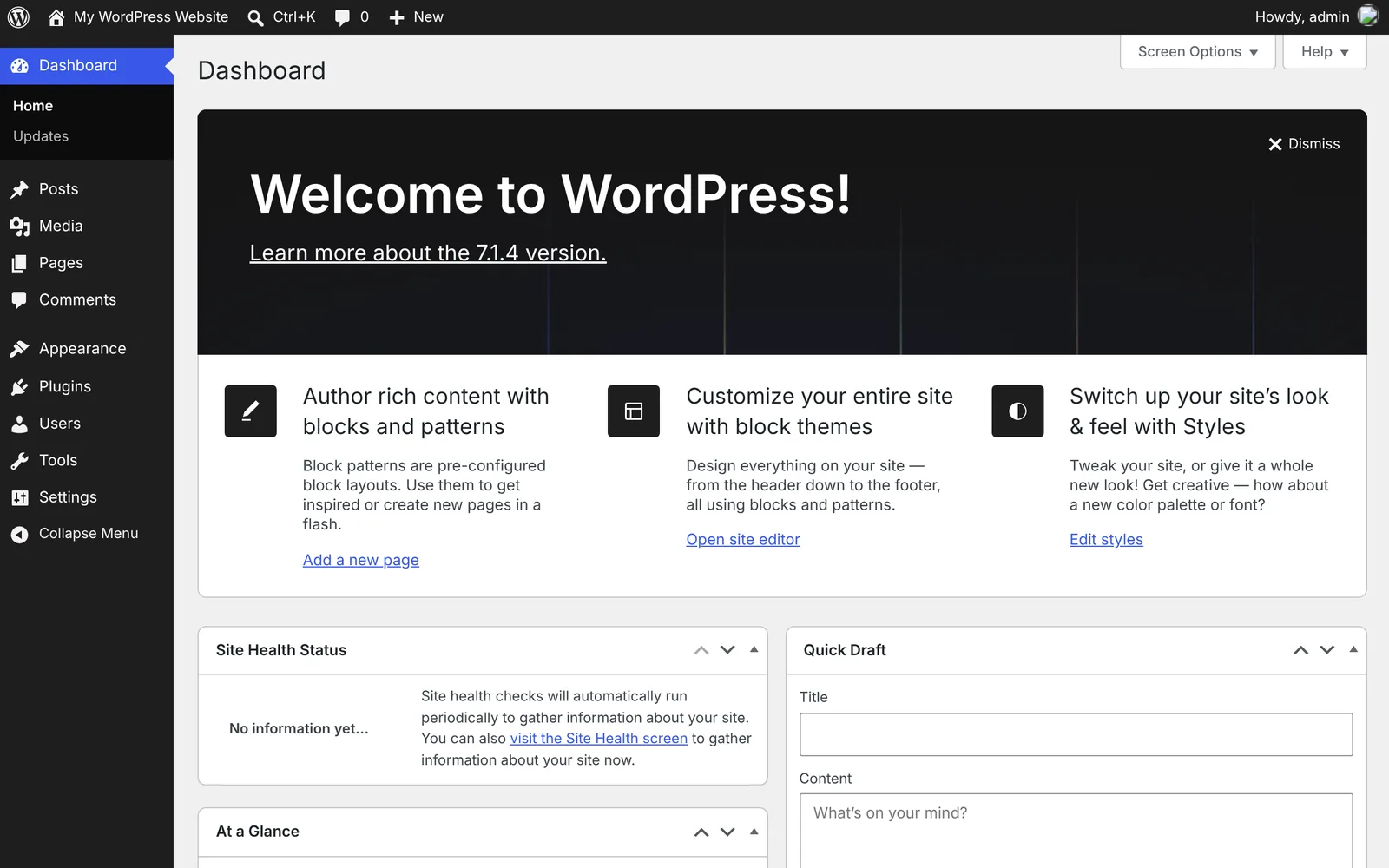
You land on the dashboard, the private control area that visitors never see.
Three parts matter on day one:
The left-hand menu takes you to everything: posts, pages, settings and more.
The toolbar across the top offers shortcuts, including a link to view your site.
The main area shows summary panels called widgets. You can rearrange them, or hide them using Screen Options.
Open your site in another browser tab and keep it there. Switching between the dashboard and the live site helps you see how each change looks to visitors.
WordPress.com vs self-hosted: on WordPress.com, you usually log in through your account, and some screens may look different.
Go deeper: WordPress Dashboard overview
What was your first impression of the dashboard?
Join the conversation on LinkedIn