The admin menu: what each item is for
That long menu on the left becomes much less daunting once you know what each item does.
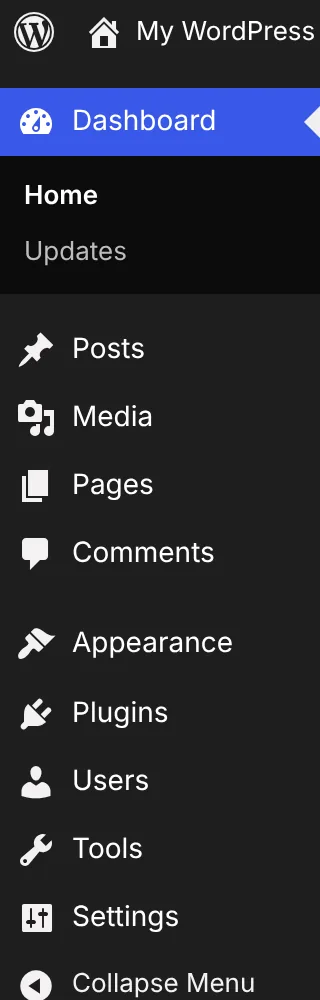
Here’s a plain-language tour.
Posts: dated content, such as blog articles.
Media: your images, videos and files.
Pages: lasting content, such as About and Contact.
Comments: what readers have written on your site.
Appearance: your theme and how your site looks.
Plugins: add-ons that give your site new features.
Users: the people who can log in to the dashboard.
Tools: extras like import, export and Site Health.
Settings: how your whole site behaves.
Plugins and themes can add items of their own, so your menu may be longer. If your menu is shorter, your user role or your plan may be limiting what you can see.
You don’t need to master all of this at once. For the first few weeks, most of your time goes on Posts, Pages and Media.
Go deeper: Administration Screens guide
Which menu item are you most curious about?
Join the conversation on LinkedIn